The Fancy Coat Test: Eight Clues Your Transformation Never Left the Spreadsheet
Photo: The National Archives UK - Flickr account, OGL v1.0, via Wikimedia Commons
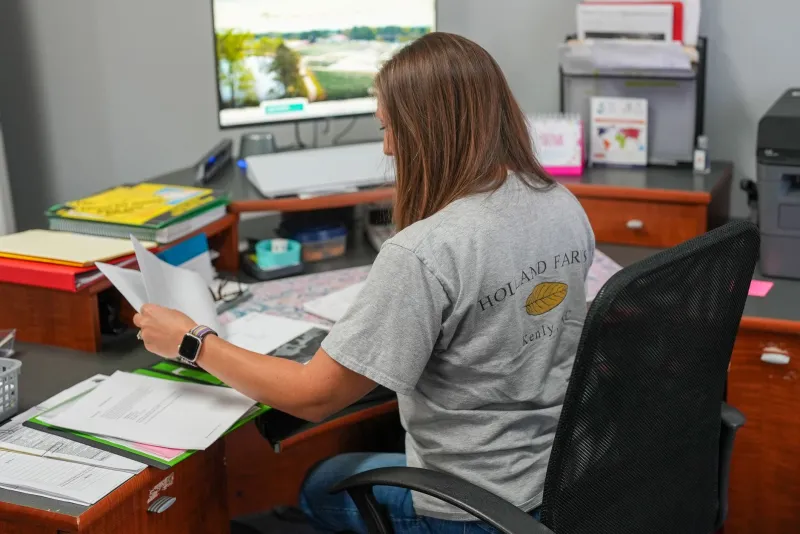
Every UK organisation has a transformation story. There is a launch email, a training session, a new logo on a login screen. Then, six months later, the work still moves the same way it did before: someone emails a file, someone else copies it into a tracker, and a third person chases an approval. The software changed. The workflow did not.
That is what we mean by a spreadsheet in a fancy coat. It is not a criticism of spreadsheets. They are brilliant, flexible and familiar. The problem is when a new platform becomes a prettier front end for the same manual habits, duplicate data and hidden workarounds. If you are leading change in a UK team, here are eight signs that the coat is doing most of the work.
1. You have more than one tracker for the same thing
One team uses the new system. Another keeps a master spreadsheet because it is quicker. A third has a board in a project tool that nobody else can see. If someone has to reconcile these trackers every Friday, you do not have a single source of truth. You have a weekly translation service.
2. Approvals still end up in someone's inbox
The workflow tool has a lovely approval step. In practice, the request lands in email, gets forwarded to a manager, and comes back as a screenshot pasted into a chat. The tool records the outcome, not the decision. That is not automation. It is theatre with better fonts.
3. Shadow spreadsheets are still breeding
Ask people what they use for the real work and watch the tabs appear. There is the spreadsheet for exceptions, the one for the client who needs a different format, and the one that exists because the new system cannot handle a date field properly. Shadow spreadsheets are a symptom. They tell you the official process does not fit the work.
4. Export to Excel is a core step
If the monthly report begins with a download, the new platform is acting as a filing cabinet. Exports are fine for analysis. They are a warning sign when they are the only way to get anything useful out. A workflow that depends on a manual export is a workflow with a detour built in.
5. Status meetings exist only to update the tool
When people read updates aloud from a screen, the tool is not trusted. If the meeting is the place where the real status gets corrected, the system is decoration. Good workflow tools reduce the need to ask what is happening. They do not create another forum for saying it.
6. One person is the human API
There is always someone who knows which field to fill in, which box to tick, and which error message to ignore. They are the human API between the software and the work. That is a risk. If the process cannot survive a fortnight without them, it has not been documented or designed properly.
7. The dashboard is a museum exhibit
The charts are beautiful. Nobody acts on them. There is no owner, no review cadence and no link to a decision. A dashboard that does not change behaviour is a wall decoration. It may be a very expensive wall decoration, but it is still not transformation.
8. 'We will automate that later' is a permanent roadmap item
Manual steps were carried into the new system with a promise that phase two would fix them. Phase two is now a line in a slide deck. If the awkward parts of the process have been deferred indefinitely, the organisation has digitised the workaround, not the workflow.
The quick test
Pick one routine process: booking leave, raising a purchase order, onboarding a new starter, approving a piece of content. Follow it from start to finish. Ask three questions.
Can someone outside the team complete the request without asking for help? Does the system hold the only copy of the truth? Can you change a rule without raising a ticket or opening a spreadsheet?
If the answer is no to two or more, you have a spreadsheet in a fancy coat. The test is not about technology. It is about whether the change reached the workflow or stopped at the interface.
What to do instead
Do not rip out the software just to prove a point. Start with the process. Map the steps, count the handoffs, find the duplicate copies and decide what should be removed before it is automated. Give each step an owner and a definition of done. Then use the tool to support the simpler process, not to hide the complicated one.
A fancy coat can be useful. It can keep the rain off. But if the work underneath is still manual, duplicated and held together by one person's memory, the coat is the only thing that changed. In 2026, that is not a transformation. It is a wardrobe update.